
A user asked for suggestions on how to add a trigger for the D drive, on top of an existing one for the C drive. There is a way to do so by creating an advanced trigger for the logical disk category and using "D:\" as the disk name criterion. One user initially had trouble finding the option, but realized they had selected the wrong Record Type. The solution was found in the end.
Read the entire ‘Adding Triggers for Multiple Drives in ControlUp’ thread below:
Hi everyone, I have a trigger using "Free Space on System Drive" for alerting purposes. What is the best way to add another trigger, but this time for the D drive? Does anyone have any suggestions?
Not at hom but in adavance trigger should one for logical drives if i rember right
Yes Luke is correct. Create an advanced trigger and select the logical disk category. Then type in for disk name "D:\" for the criteria and you’ll be good to go.
I’m not seeing it when I select Advanced Trigger
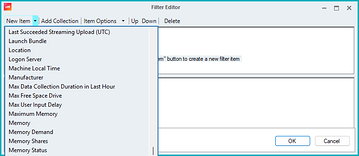
Never mind. I chose the wrong Record Type
Continue reading and comment on the thread ‘Adding Triggers for Multiple Drives in ControlUp’. Not a member? Join Here!
Categories: All Archives, ControlUp for VDI, ControlUp Scripts & Triggers