
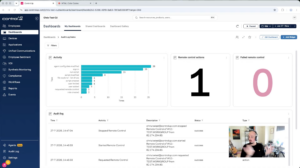
This week’s Widget Wednesday introduces a new data source for ControlUp Dashboards: the Audit Log.
Read the entire article here...
ControlUp Dashboard How To Videos - Widget Wednesday
Widget Wednesday is a hands-on video series focused on building DEX, EUC, practical, real-world widgets inside ControlUp dashboards, walking through how widgets are designed, configured, and refined to turn raw telemetry into clear, usable insights. Each episode is short and actionable, highlighting patterns and techniques you can apply directly to your own dashboards to better visualize, group, and understand your data.
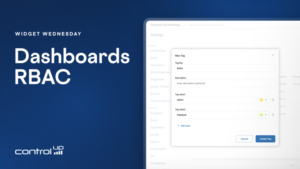
Widget Wednesday #24: Managing Dashboard Access with Roles and Tags
Widget Wednesday #24 explores new dashboard roles, tags, and sharing capabilities in ControlUp Dashboards, helping administrators organize dashboards and control user access more effectively.
Read the entire article here...
Read the entire article here...
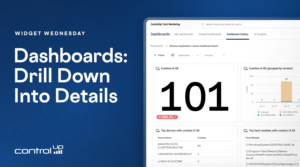
Widget Wednesday #23: Linked Drill-Down Dashboards
Widget Wednesday #23 introduces linked drill-down dashboards in ControlUp, allowing users to move from overview dashboards to detailed views for crashes, scripting, and AI usage with a single click.
Read the entire article here...
Read the entire article here...
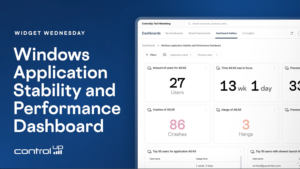
Widget Wednesday #22: Windows Application Stability and Performance Dashboard
Widget Wednesday #22 explores the Windows Application Stability and Performance Dashboard, providing insights into application crashes, hangs, freezes, resource usage, launch performance, and version comparisons.
Read the entire article here...
Read the entire article here...
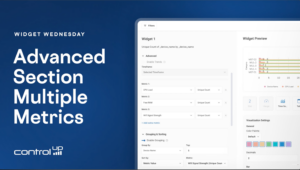
Widget Wednesday #21: Working with Multiple Metrics in Dashboards
Widget Wednesday #21 explores multi-metric support in ControlUp Dashboards, including aggregated tables, sorting, time series visualizations, and support for VDI and DAS IQ data.
Read the entire article here...
Read the entire article here...
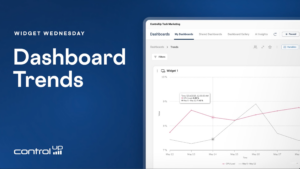
Widget Wednesday #20: Adding Trends to Dashboard Widgets
Widget Wednesday #20 introduces dashboard trends in ControlUp, enabling widgets to compare current metrics against previous periods across gauges, stat widgets, and time series visualizations.
Read the entire article here...
Read the entire article here...
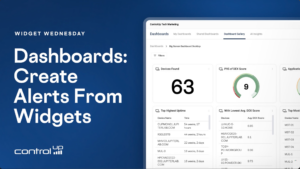
Widget Wednesday #19: Create Alerts Directly from Widgets
Widget Wednesday #19 introduces the Create Alert feature in ControlUp Dashboards, allowing users to generate alerts directly from widgets with pre-filled settings, flexible thresholds, and integrated automation actions.
Read the entire article here...
Read the entire article here...
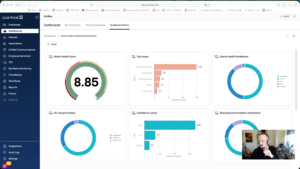
Widget Wednesday #18: New Filter UI and Unified Filtering Experience
Widget Wednesday #18 introduces a redesigned filter UI in ControlUp Dashboards with expanded filtering options, unified variables and filters, and improved usability for faster, more flexible data analysis.
Read the entire article here...
Read the entire article here...
Widget Wednesday #17: Device Health and Rightsizing Dashboard
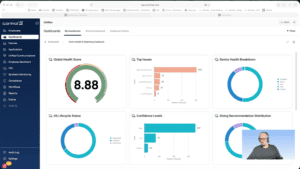
Widget Wednesday #17 introduces the Device Health and Rightsizing Dashboard, a read-only dashboard with pre-calculated health scores based on 30-day data, providing consistent and up-to-date device health insights.
Read the entire article here...
Read the entire article here...
Widget Wednesday #16: Building Dashboards with VDI Data
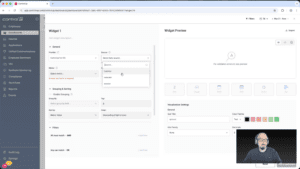
Widget Wednesday #16 introduces VDI data integration in ControlUp Dashboards, enabling users to build custom dashboards with machine, network, and NetScaler session data for deeper performance insights.
Read the entire article here...
Read the entire article here...